Gartner’s How to Achieve the Minimum Viable AI Governance


Blog
Enterprise IT: The Operational Reality Teams Rarely Discuss

Autonomous Remediation
Risk Management
Security Misconfigurations

IT, or Information Technology, is responsible for managing an organization’s technology systems – hardware, software, networks, and data. Because nearly every business function depends on technology, IT has become the quiet backbone of the modern enterprise.
When systems run smoothly, the work behind the scenes goes unnoticed. The moment something breaks, performance slows, or access fails, attention snaps immediately to IT.
What often gets overlooked is that very little of IT’s work is truly “routine.” The role is a constant balancing act – reacting quickly to problems as they arise while proactively preventing new ones before anyone realizes they were possible in the first place.
Inside the Enterprise: IT’s Daily Grind
Every day, IT teams juggle user requests, system updates, long-term projects, and unexpected emergencies that arrive without warning.
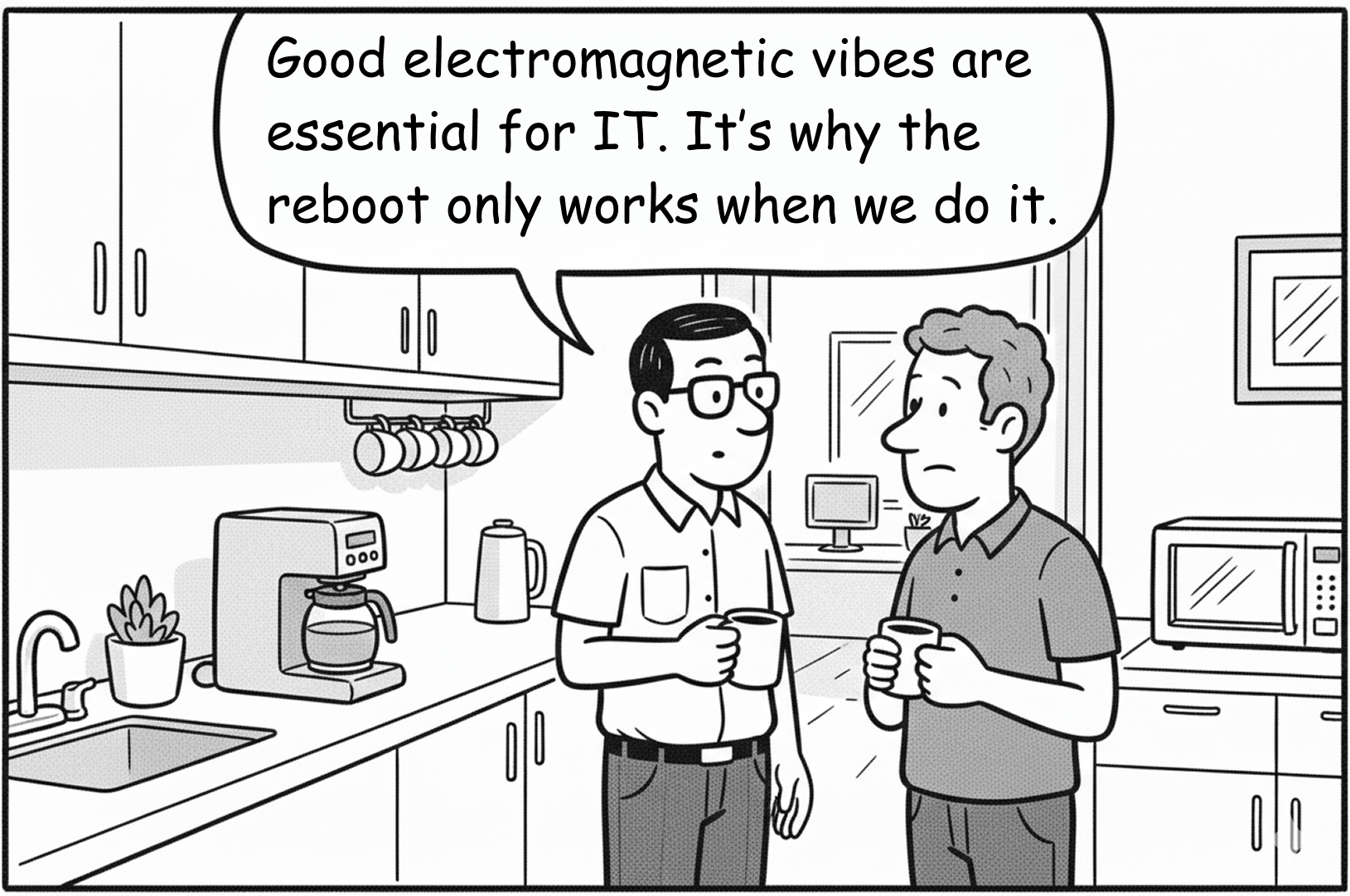
Take the all-too-common “Friday at 4:30pm” scenario. Employees wait until the end of the week to report issues they have been tolerating for days, creating a sudden spike in urgency just as IT is preparing to wrap up.
And what looks like a minor request on the surface often hides deeper technical or security implications.
From the outside, IT is often viewed as the group that keeps laptops, networks, and applications running. In reality, the scope is far broader. IT teams act as device managers, network engineers, SaaS administrators, identity and permissions gatekeepers, integration troubleshooters, vendor evaluators, and process designers. The specific titles matter less than the expectation that IT will always be available when something goes wrong.
From the inside, this breadth creates constant context switching and competing priorities. Preventing small issues from snowballing into major incidents requires deep focus, but the day-to-day reality rarely allows for it. Unrealistic expectations and fragmented responsibilities make it harder to step back and address systemic risk.
Because IT is seen as the fixer of all things technical, employees often skip basic troubleshooting and escalate immediately – opening tickets for issues they might otherwise attempt to resolve themselves at home.
Add in long hours, last-minute requests, and high-stakes deadlines, and it’s no wonder IT teams describe their work as both relentless and thankless. A 2025 survey reported that some 25% of IT professionals rated their stress level as very high.
Nearly half (43%) reported that being overworked negatively affected their mental health, while 37% said long hours took a toll.

Many also cited a lack of leadership support, which only compounds the challenge.
Despite this, IT teams recognize their impact. 85% of IT workers say their work is critical to their organization’s success – even if that value is not always visible.
Unseen Complexity: Where IT and Security Intersect
Among the most persistent and underestimated risks IT manages are misconfigurations.
Misconfigurations take many forms – default passwords that were never changed, cloud storage left publicly accessible, overly permissive firewall rules, or unnecessary administrative rights granted in Active Directory. These issues rarely look dramatic on their own, but they create openings that attackers actively exploit.

Configuration decisions sit squarely at the intersection of IT operations and security. They are made during onboarding, system setup, software deployment, integrations, and routine maintenance. A single overly broad permission or undocumented exception can quietly undermine security controls across the environment.
Misconfigurations are often compounded by legacy systems and organizational habits. Older applications, infrastructure, or protocols may remain in place due to backward compatibility requirements or a “if it isn’t broken, don’t fix it” mindset. IT teams are then forced to manage systems that technically function but no longer meet modern security standards.
Legacy environments might include outdated ERP or CRM platforms, infrastructure still relying on SMBv1, aging print servers, or older versions of RDP. Some cannot be patched without breaking dependencies. Others require extensive testing to avoid operational disruption. In every case, IT carries the responsibility – and the risk – of keeping these systems running while minimizing exposure.
Because every change carries the potential for downtime, updates are often delayed and temporary fixes replace long-term solutions. Over time, this creates technical debt that quietly increases operational and security risk.
Even everyday workflows can amplify these risks if they are unclear or poorly documented. Common examples include:
- Onboarding and offboarding employees – Missed steps in account provisioning or deactivation can leave orphaned accounts, excessive permissions, or lingering access.
- Software deployment and patch management – Rolling out updates across large environments can break dependencies or disrupt users if configurations are inconsistent.
- Approval and change management workflows – Small configuration changes can ripple across systems when dependencies, ownership, or documentation are unclear.
In each case, security gaps are not the result of negligence. They emerge from complexity, scale, and the sheer volume of decisions IT teams are required to make every day.
Visibility & Actionability: Empowering IT to Protect the Business
From configuring systems and managing permissions to deploying patches and enforcing processes, IT is often the first and last line of defense against both operational failures and security incidents.
The work is invisible by design, but it is far from effortless. IT teams continuously manage user needs, system changes, legacy environments, and accumulated technical debt, all with the goal of keeping the business running without interruption.
With the right visibility, many of these risks become manageable at scale. Tools that surface misconfigurations and enable safe, guided remediation allow IT teams to move from reactive firefighting to proactive risk reduction. Solutions like Remedio help teams identify configuration gaps, understand their impact, and remediate them efficiently – without disrupting operations.
For leadership, the takeaway is straightforward. IT is not just about closing tickets or keeping servers online. It is about protecting business continuity by managing configurations, reducing exposure, and making informed decisions in complex environments. That requires investment in visibility, automation, and tools that support the people doing the work.
In short, IT keeps the organization productive and resilient. With the right support and proactive tooling, that responsibility does not have to come with constant stress. And maybe, just maybe, the next “Friday at 4:30 pm” crisis can be avoided altogether.


FAQ
What makes enterprise IT a critical part of cybersecurity?
Enterprise IT is responsible for the systems, configurations, identities, software, and infrastructure that security depends on. Every configuration decision, software deployment, or infrastructure change can either strengthen or weaken an organization's security posture. As a result, IT teams play a direct role in preventing security incidents, even when cybersecurity is not their primary objective.
Why are IT teams often hesitant to implement security changes?
Security changes can have unintended operational consequences. Disabling a legacy protocol, tightening permissions, or deploying a configuration update may disrupt business applications or critical workflows. Without confidence that a change is safe, IT teams often delay remediation to avoid downtime, even when they understand the security risk.
How do misconfigurations become security vulnerabilities?
A misconfiguration is not always a vulnerability by itself, but it creates conditions that attackers can exploit. Examples include excessive administrative privileges, unnecessary services, insecure defaults, exposed ports, or disabled security controls. These weaknesses frequently persist because they are introduced during normal operational changes rather than malicious activity.
Why do configuration problems keep returning after they are fixed?
Enterprise environments change constantly. New devices are deployed, applications are updated, cloud services evolve, and policies drift over time. Unless organizations continuously validate configurations against secure baselines, previously remediated issues can reappear through routine operational changes.
What is the relationship between IT operations and configuration security?
Configuration security sits directly between IT operations and security teams. IT owns many of the systems being configured, while security defines the policies and acceptable risk. Effective configuration management requires collaboration between both teams, supported by automation that allows security improvements without introducing unnecessary operational risk.
How can organizations reduce configuration risk without disrupting the business?
The most effective approach combines continuous visibility with controlled remediation. Organizations should validate proposed changes before deployment, understand system dependencies, roll out changes in stages where appropriate, and continuously verify that secure configurations remain in place after implementation. This minimizes both security exposure and operational disruption.
Why isn't patch management enough to secure enterprise systems?
Patching addresses software vulnerabilities, but many successful attacks exploit insecure configurations rather than missing patches. Weak access controls, excessive privileges, legacy protocols, and configuration drift can all leave systems exposed even when every available software update has been installed.
How does automation improve enterprise IT resilience?
Automation allows IT teams to detect configuration drift, prioritize issues based on risk, safely apply remediations, and continuously maintain secure baselines across large environments. Rather than replacing IT professionals, automation reduces repetitive work, improves consistency, and enables teams to focus on higher-value operational and strategic initiatives.
About Author